
Take Back Your Day: 4 Apps to Master Your Time
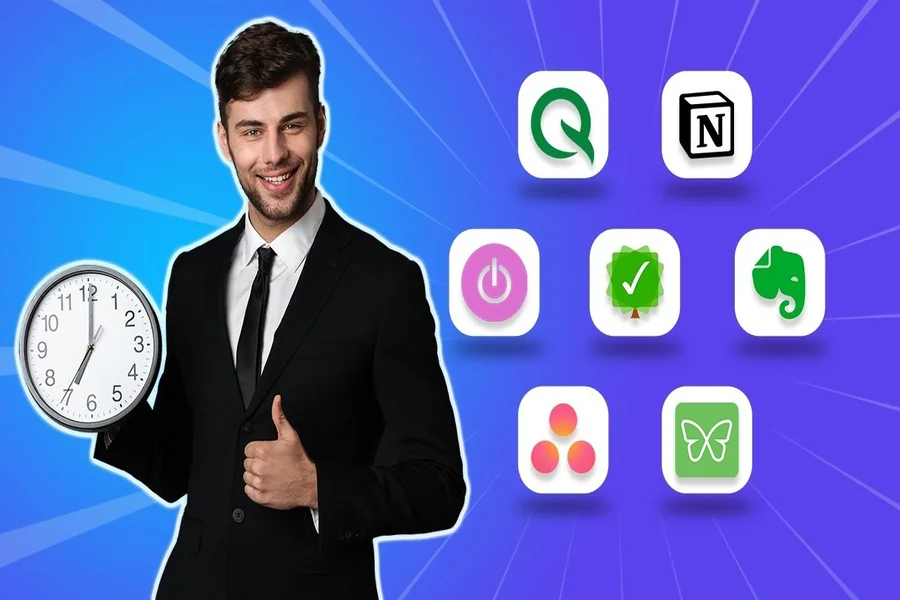
Sound familiar? You wake up with good intentions to spend your day productively, set your tasks in order, but by nightfall you’re left wondering where the day went. Not that I am one to judge. Managing work commitments, doing chores, and squeezing in a few episodes of Netflix means my to-do list only gets partially attended to. As they say in the famous proverb, if only there was an app for that! Luckily, effective time management does allow for specialized apps. In this article, we will explore four of those so you can finally plug in and increase your productivity, all the while freeing up time to devote to that hobby that you have sadly been neglecting because life got too busy. As someone who has used many time management measuring tools, I have plenty of personal experiences to draw from.
1. Controlio App: Shine a Light on Your Time
The Controlio time management app is one of a kind when it comes to discovering how much time you really devote to carrying out your day-to-day tasks. It tracks the time you dedicate to meetings and tasks at hand, as well as scrolling through your social media (it’s okay, you’re not alone). I remember the first time I came across Controlio, and it made me wonder why I was shocked after realizing that I spent leisurely “quick” phone checks. 90 minutes of my day just vanished. That realization drove me to set limits and reclaim my time.
Controlio will break down and analyze your productivity with its reports, which best help you in spotting time-wasters. Think of it as having a coach that tells you why you should stay focused. If you’re interested in other tools, this list of 20 best employee time tracking apps & software in 2025 has plenty more.
2. Todoist: Your To-Do List’s New Best Friend
Think of Todoist as your all-in-one notebook. It helps you set up tasks, assign relative importance, and come up with deadlines. When I jumped into the freelancing world, my mind was a chaotic mess of deadlines and grocery lists jotted down on my sticky notes. Todoist enabled me to create separate projects as “Work,” “Home,” and “Personal Goals,” so I wouldn’t mind losing my focus and feeling muddled.
Along with syncing across devices, the app has a clean UI and works seamlessly along with its features, like recurring tasks (shoutout to “Water the plants every Sunday”) being a walk in the park. Now I can check my Todoist on my phone while waiting for my coffee. Basic use is free, but the paid version includes additional useful tools such as reminders.
3. Forest: Grow Focus, One Tree at a Time
The app takes a rather playful spin on time management by gamifying focus, allowing you to “plant” a virtual tree when starting a task that grows while you stay focused. Decide to leave the app and check Instagram? Your tree withers. Forest, while writing, left me unusually attached to my little virtual grove. Oddly motivating, to say the least.
You can also use the app to contribute to tree-planting organizations, making it a rather green project as well, perfect for zoning in and reducing focus for anyone who wants a more productive approach. Even for me, it helped get my family time off my phone and with the trees, plus, dinner was simply a win-win.
4. Google Calendar: The Overlord of Timetables
We often underestimate Google Calendar on account of its unbelievable capabilities. As much as I would appreciate having my meetings written down somewhere, Google Calendar can do much more than just administer a digital notebook. I use it to block time for deep work, schedule workouts, and even set reminders for my kid’s soccer games. It allows color-coding, which turns the timeline overview into a work of art. For example, blue indicates work events, while green makes it easy to spot personal errands.
It allows sharing calendars, which is very useful for work colleagues and family. When I coordinated a cross-country move, sharing a Google Calendar with my spouse greatly streamlined the process. It’s unmatched that all these advantages come free of charge and are accessible from any device.
Final Thoughts: Command Your Time, Change Your Life
In essence, time management is focused much more on the value of the events planned rather than the number of tasks stuffed into the day. With the help of Google Calendar, Controlio, and Todoist, users are able to meet their goals without the stress. From my experience, I can honestly say these tools have transformed my frantic, overloaded days into a balanced schedule full of activities, including sunsets and evening strolls.
Choose an app that looks appealing to you and give it a shot. Experiment with it, monitor your results, and adjust when necessary. We know how valuable your time is and that with the pertinent resources, you can maximize productivity. So, what is the first task you would like to complete?